
BDT555 login — Quick, Secure Account Access
Log in to BDT555 with a clean, mobile-first experience built for Bangladesh. Use your registered phone or email, verify in seconds, and keep your account protected with smart security checks. If you’re new, download the Android APK and create your profile to unlock bonuses, fast deposits, and smooth withdrawals.
- 1 min Sign-in Time
- 24/7 Support Access
- Secure Account Protection
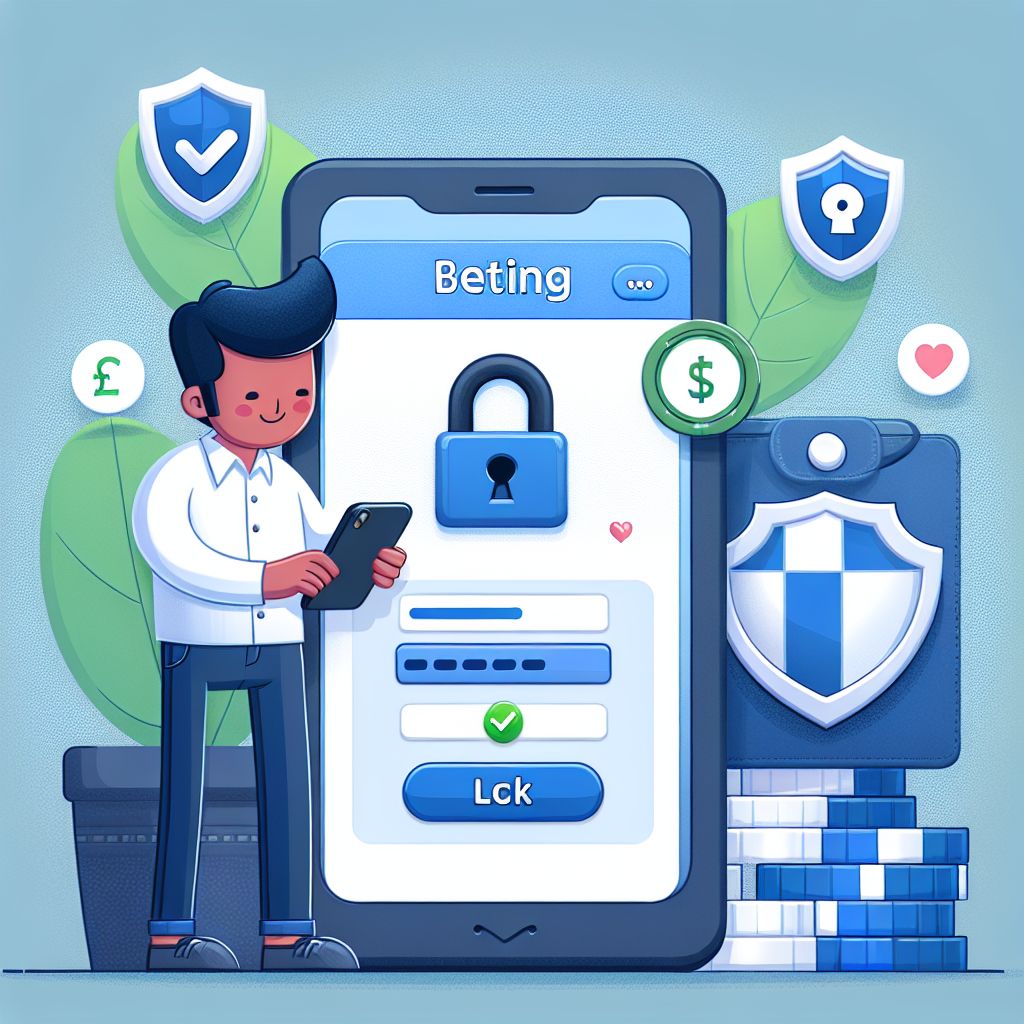
BDT555 login Guide for Bangladesh (Step-by-Step)
BDT555 login is designed to be fast on mobile data and simple for first-time users in Bangladesh. You can sign in using the same details you used during registration, then confirm access if prompted. For the safest experience, always use the official BDT555 link and avoid shared devices. If anything looks unusual, stop and contact support before entering your password.
Step 1: Open the Official BDT555 Login Page
Start from the official BDT555 website or the installed Android app to avoid fake pages. Check that the page loads correctly and the branding matches BDT555 before you proceed. If you arrived via a message or unknown link, close it and navigate manually to the official source.
Step 2: Enter Your Credentials and Verify
Type your registered phone number or email and your password, then tap the BDT555 login button. If verification is requested, complete the one-time code step to confirm it’s you. This extra check helps protect your balance and prevents unauthorized access.
Step 3: Secure Your Session After Login
Once inside, review your profile details and ensure your withdrawal information is correct. Log out after playing, especially on shared phones or cyber café devices. If you notice failed login alerts or unfamiliar activity, change your password immediately and contact support.
BDT555 login Help: Common Issues & Fixes
Forgot Password Recovery
If you can’t complete BDT555 login, use the password reset option and follow the verification steps. Choose a strong new password that you don’t use on other sites and save it securely. After resetting, sign in again and confirm your profile details to keep your account protected.
OTP Not Received
When the verification code is delayed, check network signal and make sure your phone can receive messages. Wait a short moment, then request a new code instead of repeatedly tapping. If the issue continues, contact BDT555 support and confirm your registered number or email.
Account Locked or Too Many Attempts
Multiple incorrect tries can trigger a temporary lock to protect your BDT555 account. Pause for a few minutes, then attempt login carefully with the correct credentials. If you still can’t access, use recovery tools or ask support to help verify ownership and restore access.
APK or App Login Problems
If the app won’t open or BDT555 login keeps looping, update the APK from the official source. Clear app cache, restart your device, and ensure you have enough storage for smooth performance. Avoid installing modified APK files, because they can cause errors and security risks.
Why BDT555 login Is Safer When You Follow Official Steps
BDT555 login security depends on using official access points and keeping your credentials private. In Bangladesh, many users rely on shared Wi‑Fi or public devices, which makes safe sign-in habits even more important. Always confirm you are on the real BDT555 page before entering any details, and never share OTP codes with anyone. With these basics, you reduce the risk of account takeover and keep your balance and bonuses protected.
For a smoother experience, keep your phone number and email updated inside your profile after you complete BDT555 login. Accurate contact information makes password recovery faster and prevents delays during verification. If you change devices, sign out from older sessions and avoid saving passwords in public browsers. These small actions help you stay in control of your account at all times.
If you plan to deposit or withdraw after BDT555 login, double-check your payment details and follow the platform’s verification prompts. Using consistent information reduces failed transactions and helps support resolve issues quickly. When something doesn’t match, the system may pause processing to protect you from fraud. Staying consistent and careful keeps your gameplay uninterrupted and your payouts reliable.